Import Testcase
The Import Test Cases feature allows you to upload multiple test cases at once using a .csv file.
This helps teams quickly add test cases without manual entry.
How to Import Test Cases
To import test cases:
- Navigate to the Test Cases module.
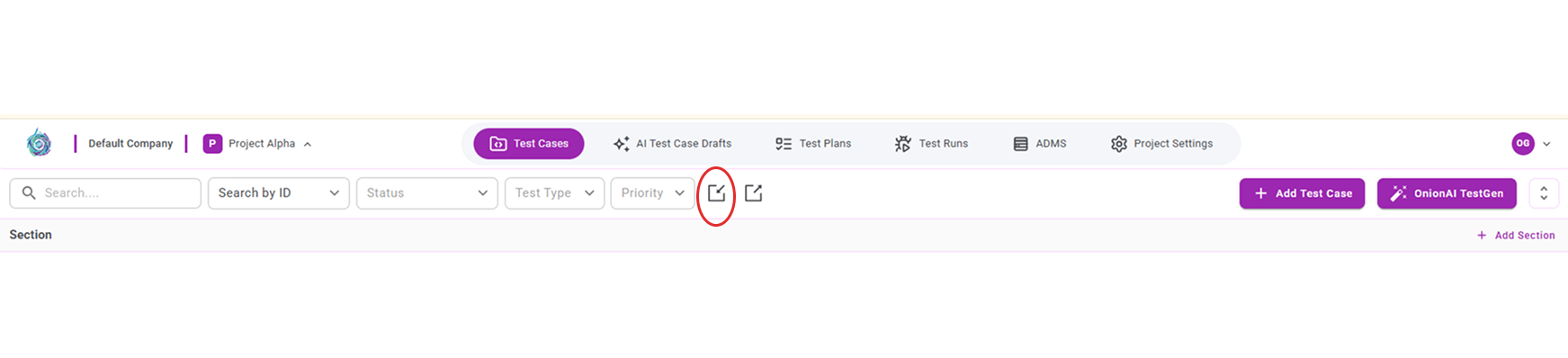
- Click the Import icon located in the toolbar.
- Select a valid .csv, xls, .xlsx file containing test case details.
- Click Import to upload the file.